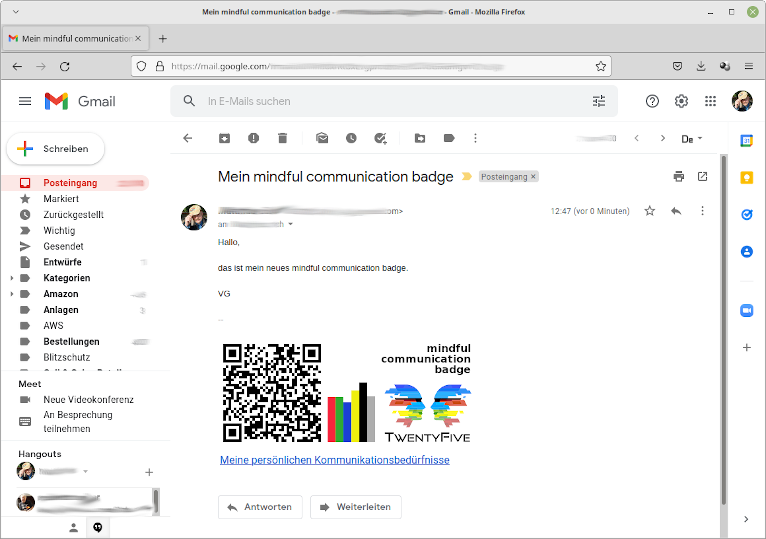
mindful-communication-badge in the Email Signature of 'gmail.com'
This article describes the simple process for setting up a signature in ‘gmail.com’.
1. Save Signature
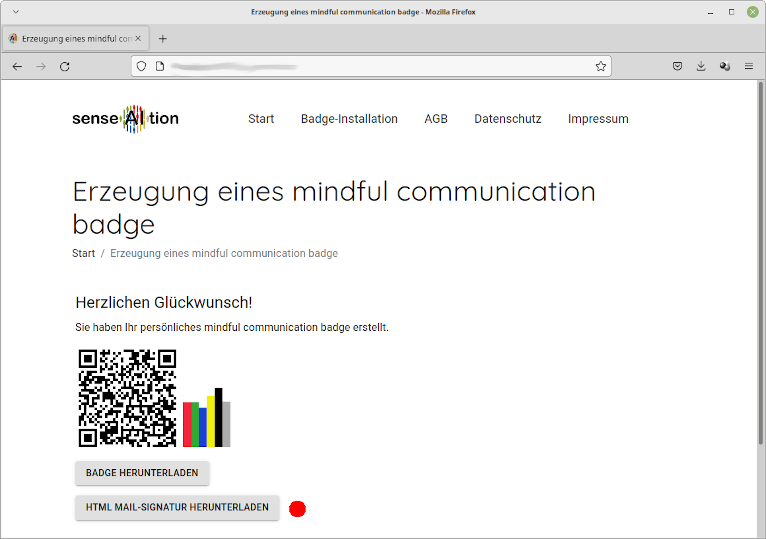
After you have generated the ‘mindful communication badge’, press the button “DOWNLOAD HTML MAIL SIGNATURE”.
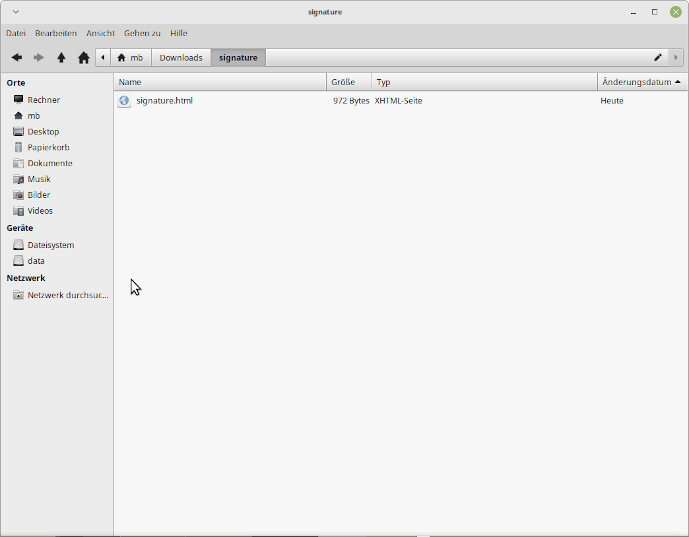
A file signature.html will be saved in the download directory on your computer.
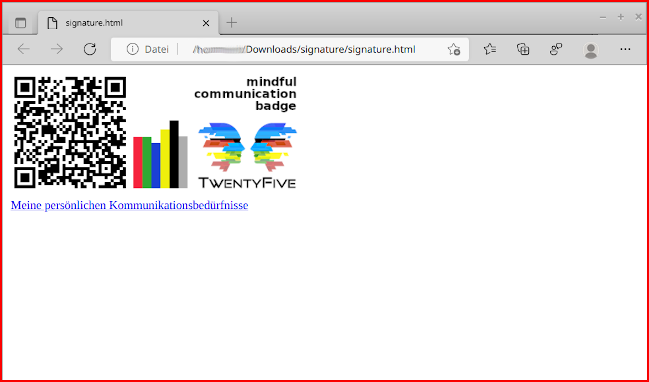
You can now open this signature.html file by double-clicking it in your browser.
Installation in gmail.com
Open https://gmail.com in a new/second browser window and log in to your email account.
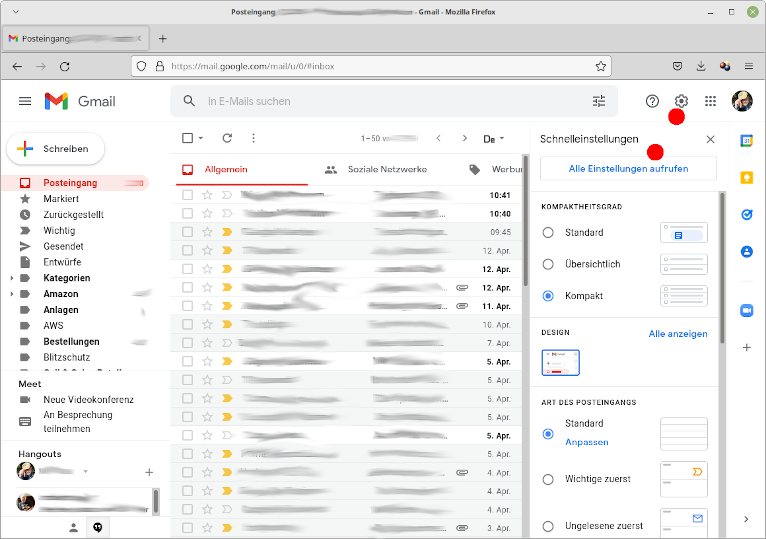
Using the “gear icon” in the upper right corner, open the settings area and press the “See all settings” button, which appears first in the list.
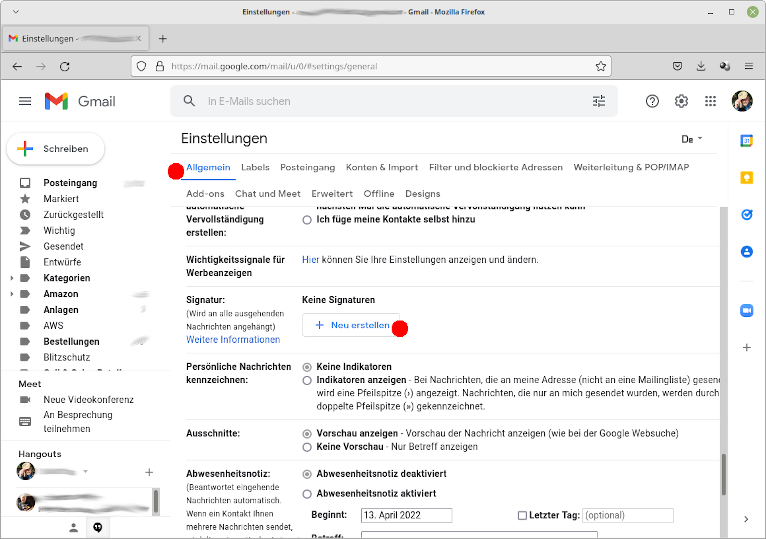
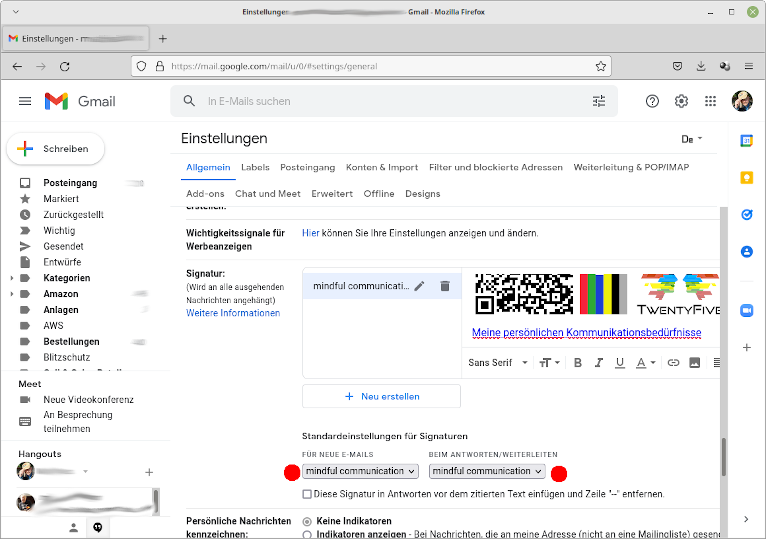
Now you can scroll down a bit in the “General” tab and find the “Signature” section. There, press the “+ Create new” button. You can then give the new signature a name.
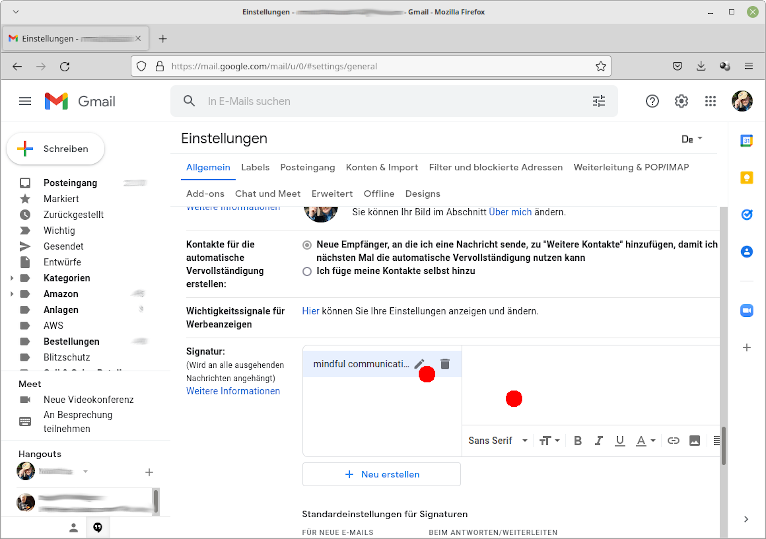
Your new signature now appears in the list of signatures. You can select it and begin designing in the area next to it. The ‘mindful communication badge’ you created is a good starting point. You can customize and extend it later as you wish.
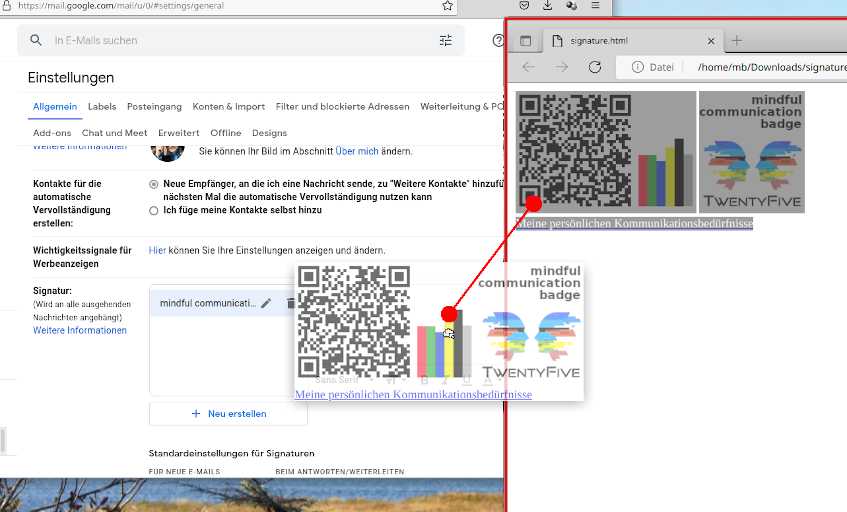
To use the signature from the signature.html file, select the entire content in the other browser window (where you previously opened the signature) using the keyboard shortcut “Ctrl + a” (alternatively, you can drag a selection with the mouse over the signature area).
Then you can copy the signature into the design area of ‘gmail.com’. To do this, drag the entire selection via drag-and-drop with your mouse to this area in the other window.
Alternatively, copy everything with the keyboard shortcut “Ctrl + c” to the clipboard and paste the signature in the design area with “Ctrl + v”.
The signature with the ‘mindful communication badge’ is now set up. You still need to select it for use in your emails.
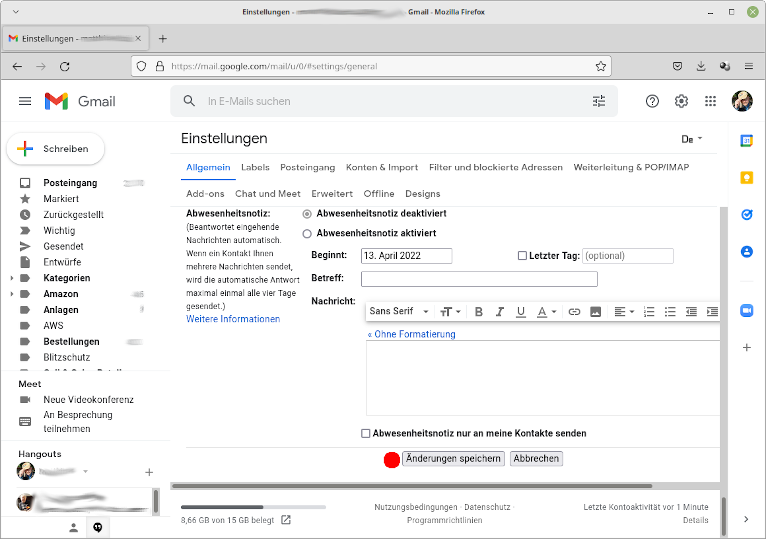
Don’t forget to save your changes (and thus the signature) at the end.
The Result
When you now compose a new email, ‘gmail.com’ will automatically include the ‘mindful communication badge’ in it.
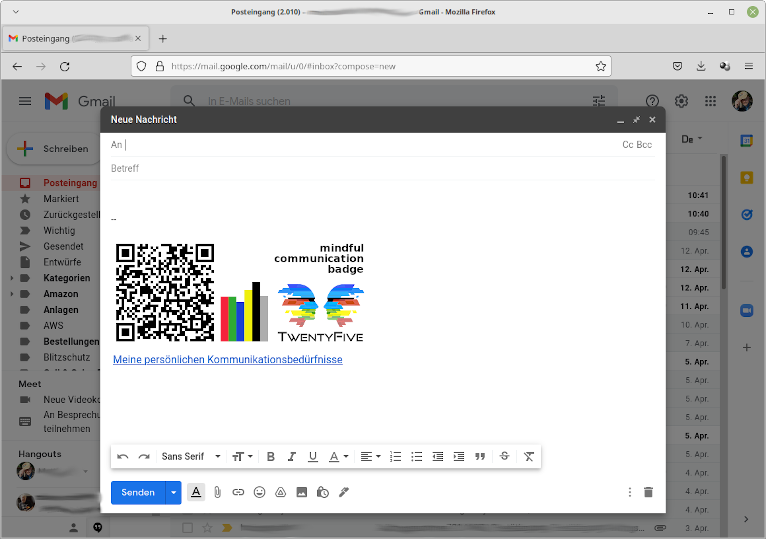
It is now visible to the recipients in the emails you send.